Application Notes
What DXF-Driven CNC Programming Really Changes on the Shop Floor
Programming-free CNC means the drawing is the program. A short look at what that removes from daily production.
On a programming-free CNC machine, the drawing is the program. The control reads a DXF file and produces the G-code itself, removing the programming step that used to sit between engineering and the machine. That sounds like a software detail until you follow what it takes out of a normal production day — and what it leaves exactly where it was.
What Programming-Free Actually Describes
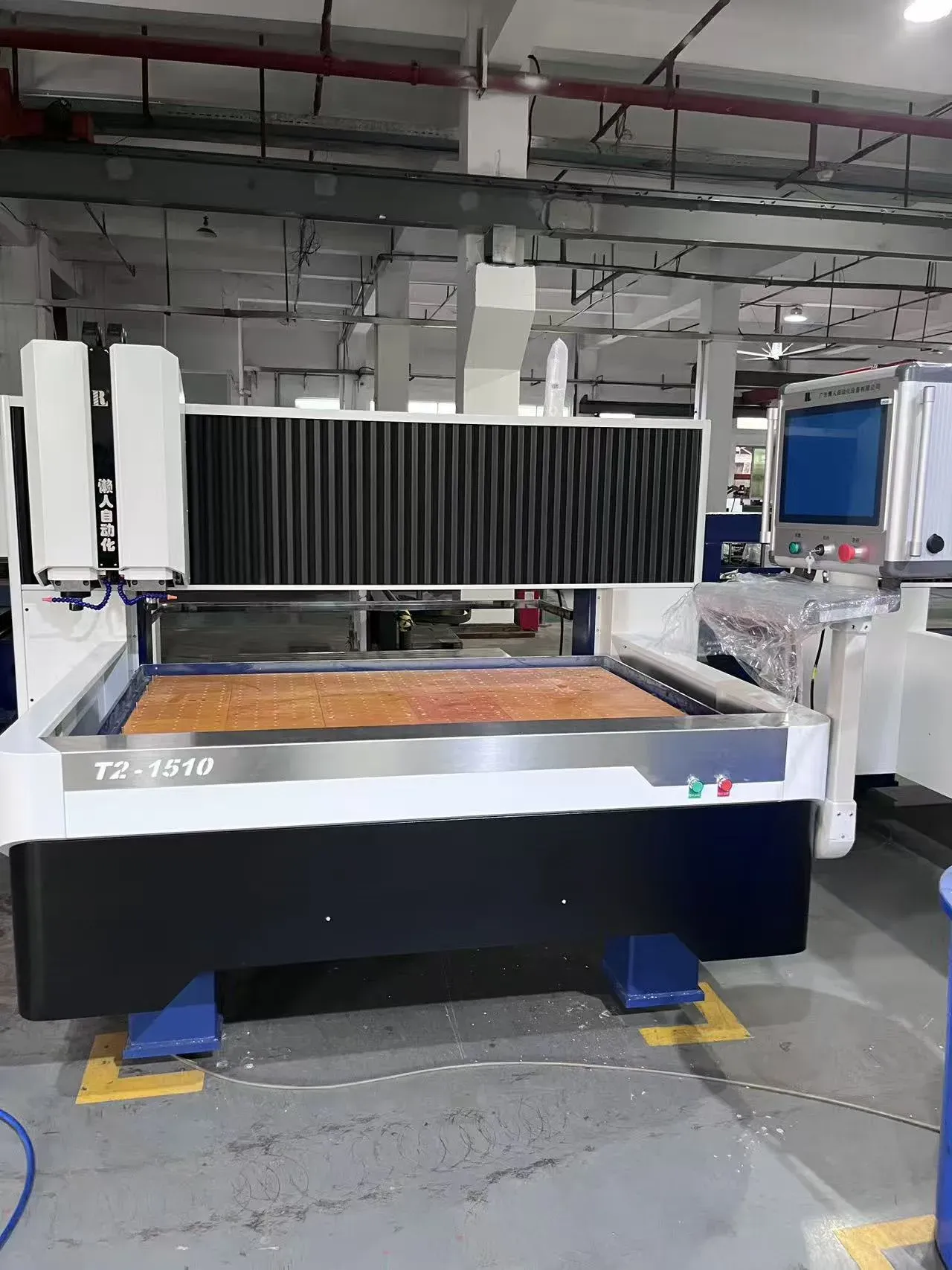
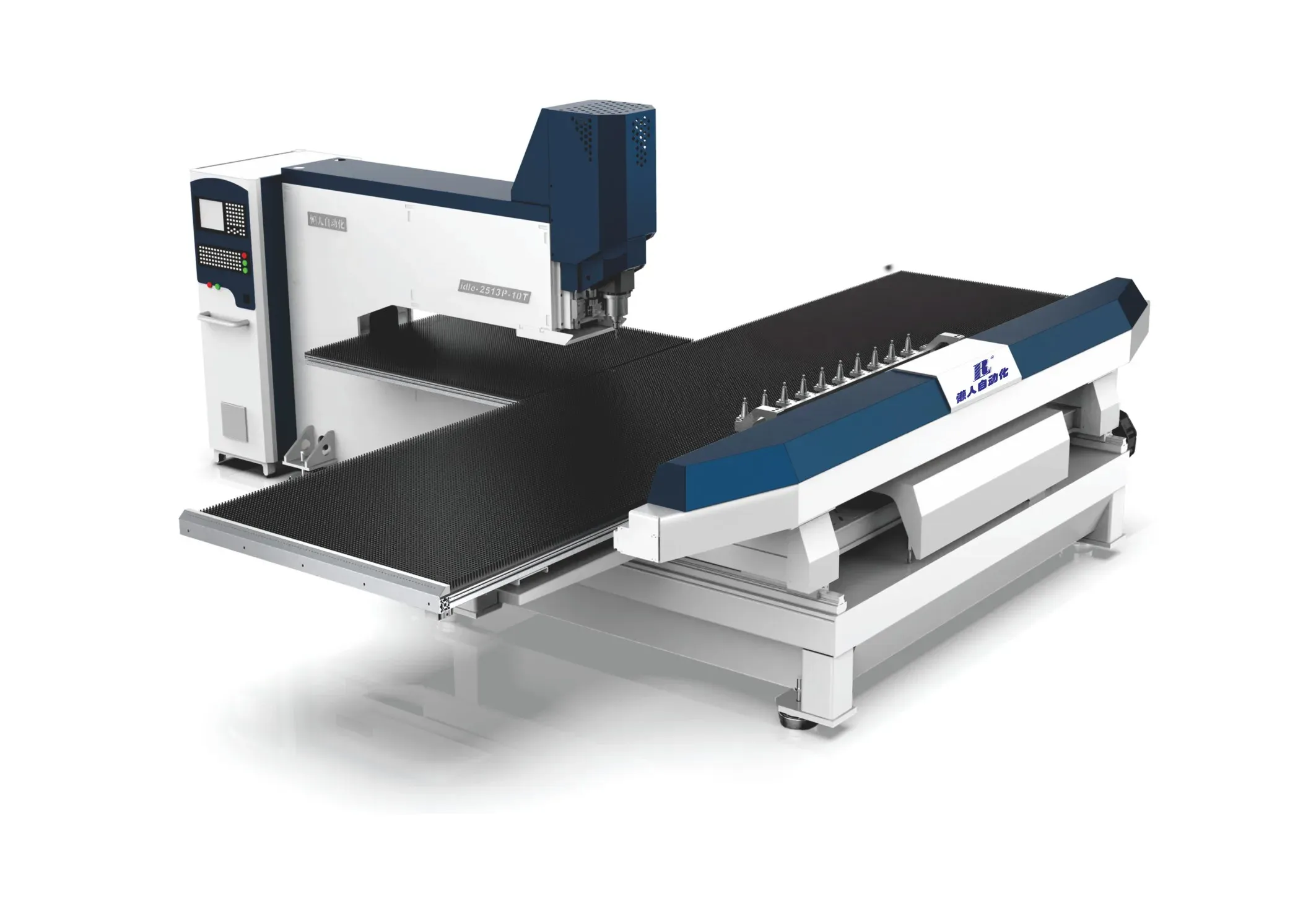
Across the LR AUTOMATION T series counterbore and tapping machines, the ZF series laser composite center, and the H3 series stud welders, the control imports DXF drawings and generates G-code directly. Operation by general workers is specified on the T series and on the H3 stud welder, where reduced labor cost is the stated benefit. When you evaluate one of these machines, bring a real DXF file from your own product rather than a demonstration part, and watch how much the operator has to type at the console before the first hole or cut is made.
Fool-Proofing: The Check That Moves into the Control
Hole positions come from the imported file rather than from an operator marking out, so missed holes and missed tapping are addressed by the machine — the manufacturer calls this CNC fool-proofing. On the T series the stated results are consistent product quality, reduced plate scratching, and positioning and clamping that stay simple. On the L and LF series the same fool-proofing covers counterbore and tapping as well, with precision described as high and quality held constant. In both cases, the check that used to depend on attention and a pencil now depends on the drawing being correct before it is released.
Changeover, Batch Size and the Materials That Change
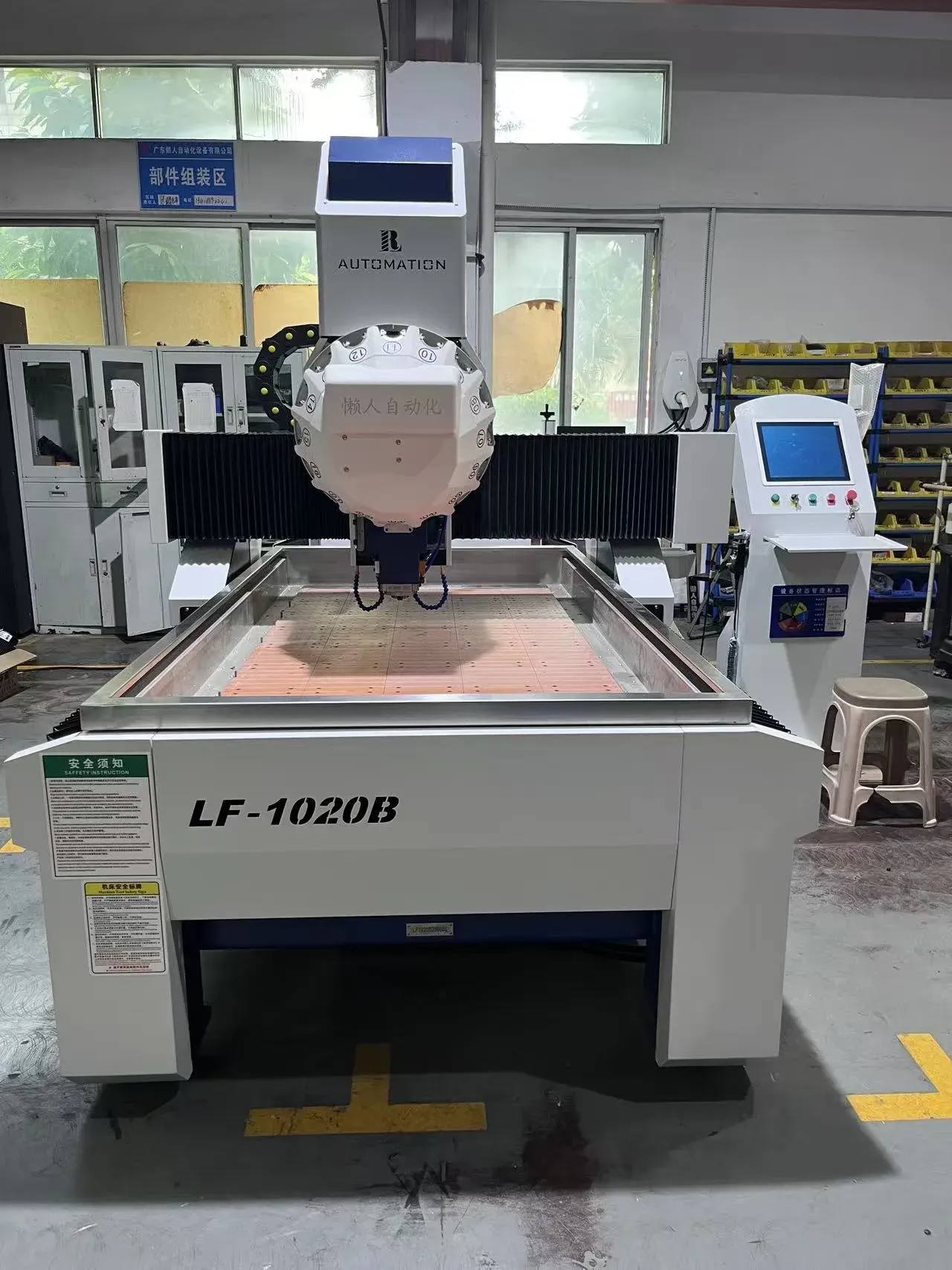
Mixed work is where a single setup earns most. The L and LF series are built for counterbore and tapping in sheet metal and for counterbore, tapping and milling in machining work, on aluminum plate, aluminum profile, steel plate and square tube — a spread of work that would otherwise be split across a drill press, a tapping machine and a milling station. Online and offline programming are supported, and CNC fool-proofing prevents missed holes and missed tapping.
The LF center is a six-axis machine with a 16-station automatic tool change magazine, so the tools for the next operation are already on board and the job does not have to be carried to another machine between steps. The platform itself covers 1000 x 2000 mm up to 2000 x 4000 mm, with a BT30 spindle running to 8000 rpm, idle speeds of 40 000 to 60 000 mm/min depending on model, and machine weights from 3000 kg to 7000 kg. That is the changeover saving: fewer setups, not faster cycles.
Where It Pays Off First
Sheet metal shops feel the gain first on counterboring and tapping that were previously done by hand; the T series is specified to replace exactly that work. Stud welding shows the same pattern from another direction: on the H3 series the DXF import drives welding directly, welding recipes are stored per job, and the welding voltage uses bus-type stepless adjustment, so the process repeats instead of being re-tuned from memory whenever the operator changes.
The H3 stud welder follows the same logic in its own numbers: three guns and three feeders, studs from 3 mm to 8 mm in diameter and 6 mm to 30 mm long, welded at 15 to 30 studs per minute, with machining accuracy within ±0.1 mm.
What Programming-Free Does Not Remove
It does not remove the need for a correct drawing. A DXF-driven machine is faithful to the file it is given, so layer conventions, hole callouts and part orientation still have to be right before the file leaves the office. It does not remove clamping decisions either, and on welding it does not remove process control, where the verticality between welding torch and workbench is what keeps studs square to the panel surface. What it removes is the programming step and the operator's pencil, and that is where the day-to-day saving sits.
What to Bring to a Machine Evaluation
Send a DXF drawing of a representative part with its material, thickness and the operations involved, and our team will confirm which machine the file can run on — counterbore and tapping, drilling and milling, or stud welding — and how the pattern should be prepared. That gives you a recommendation you can put beside the drawings you already produce, rather than against a sample part prepared for a demonstration.