Buying Guides
How to Choose a CNC Counterbore & Tapping Machine for Sheet Metal
Spindle count, machining range and the drawing-to-machine workflow decide what a counterbore and tapping machine can do. Here is how to match it to your parts.
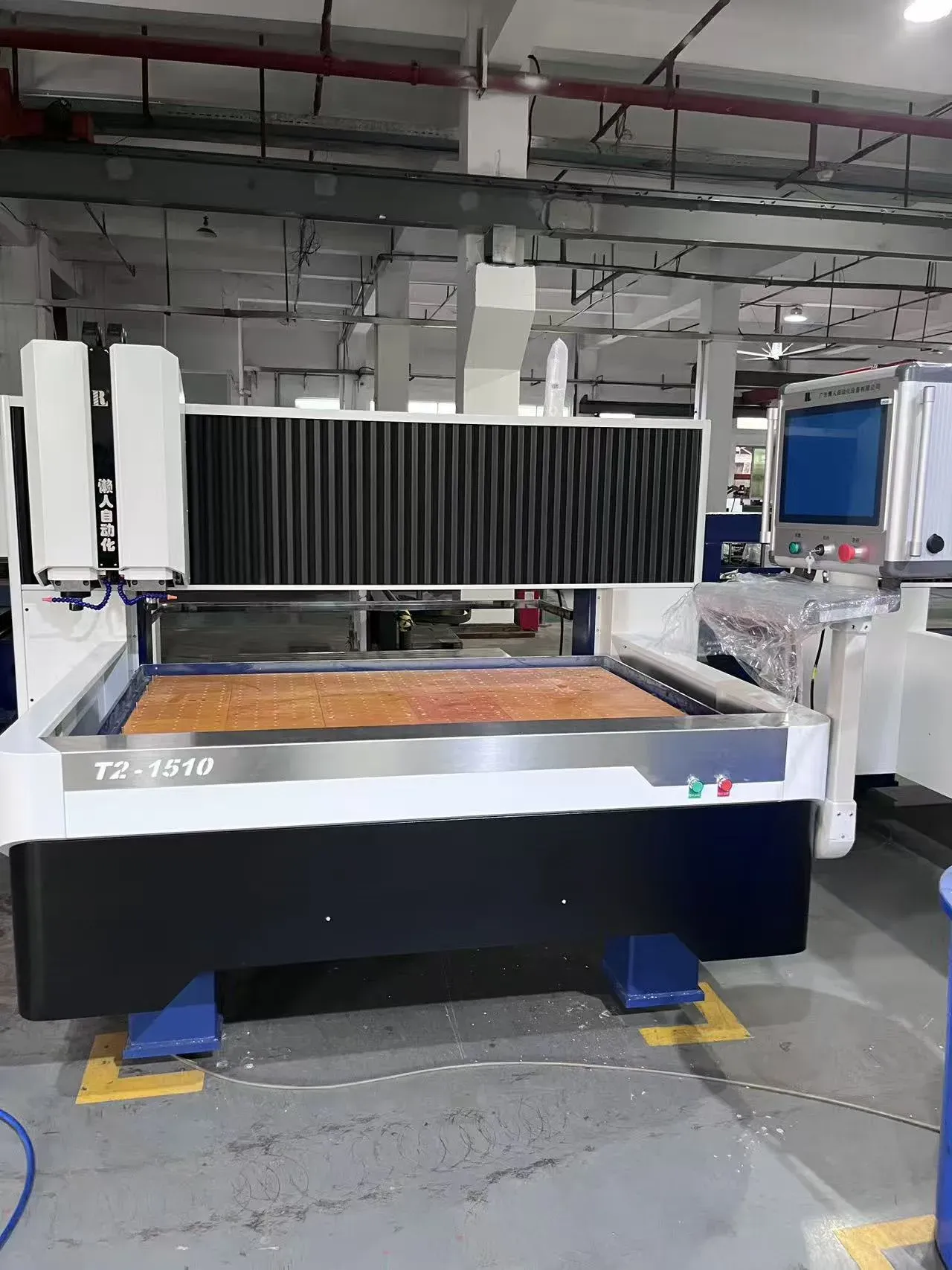
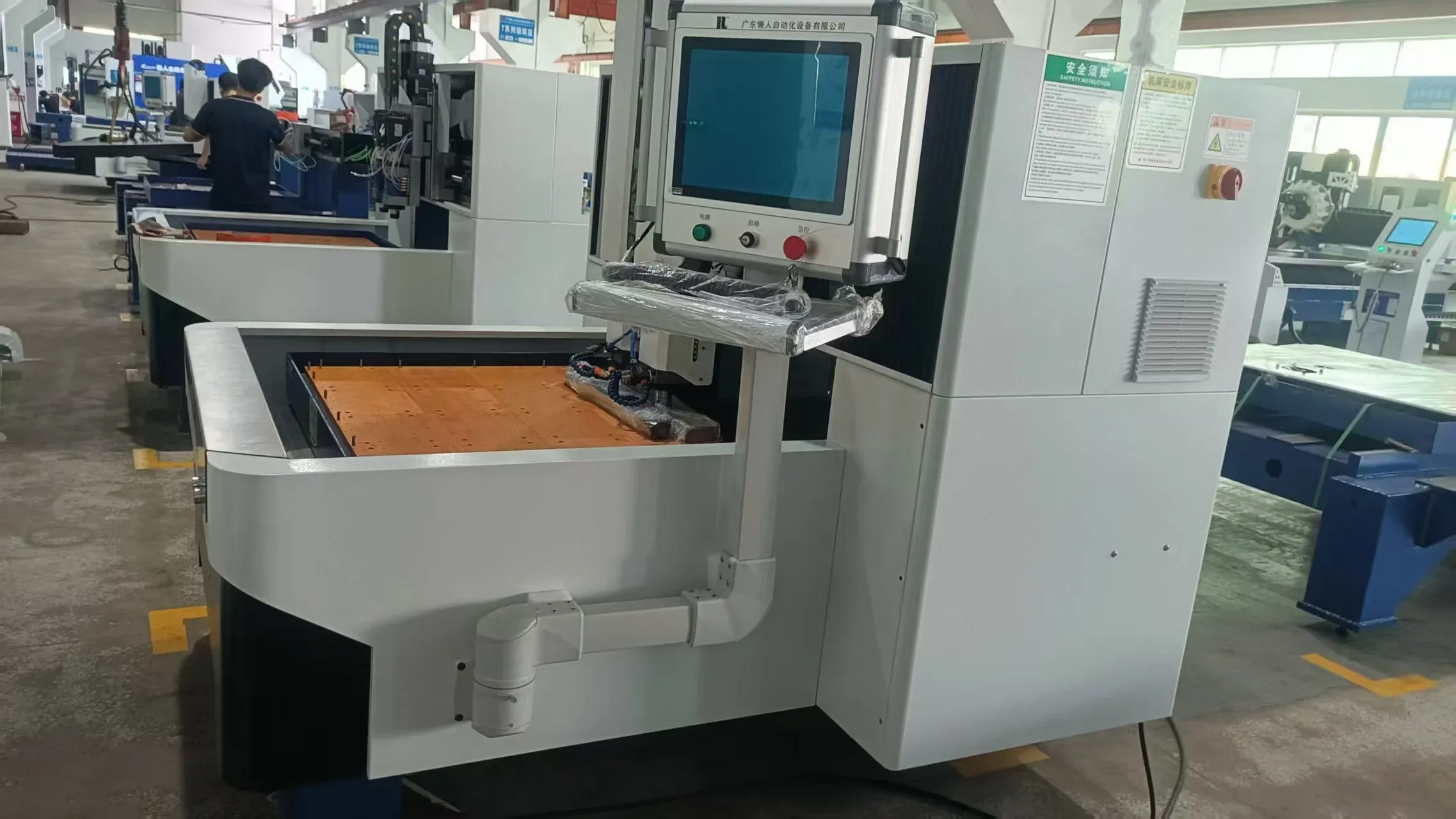
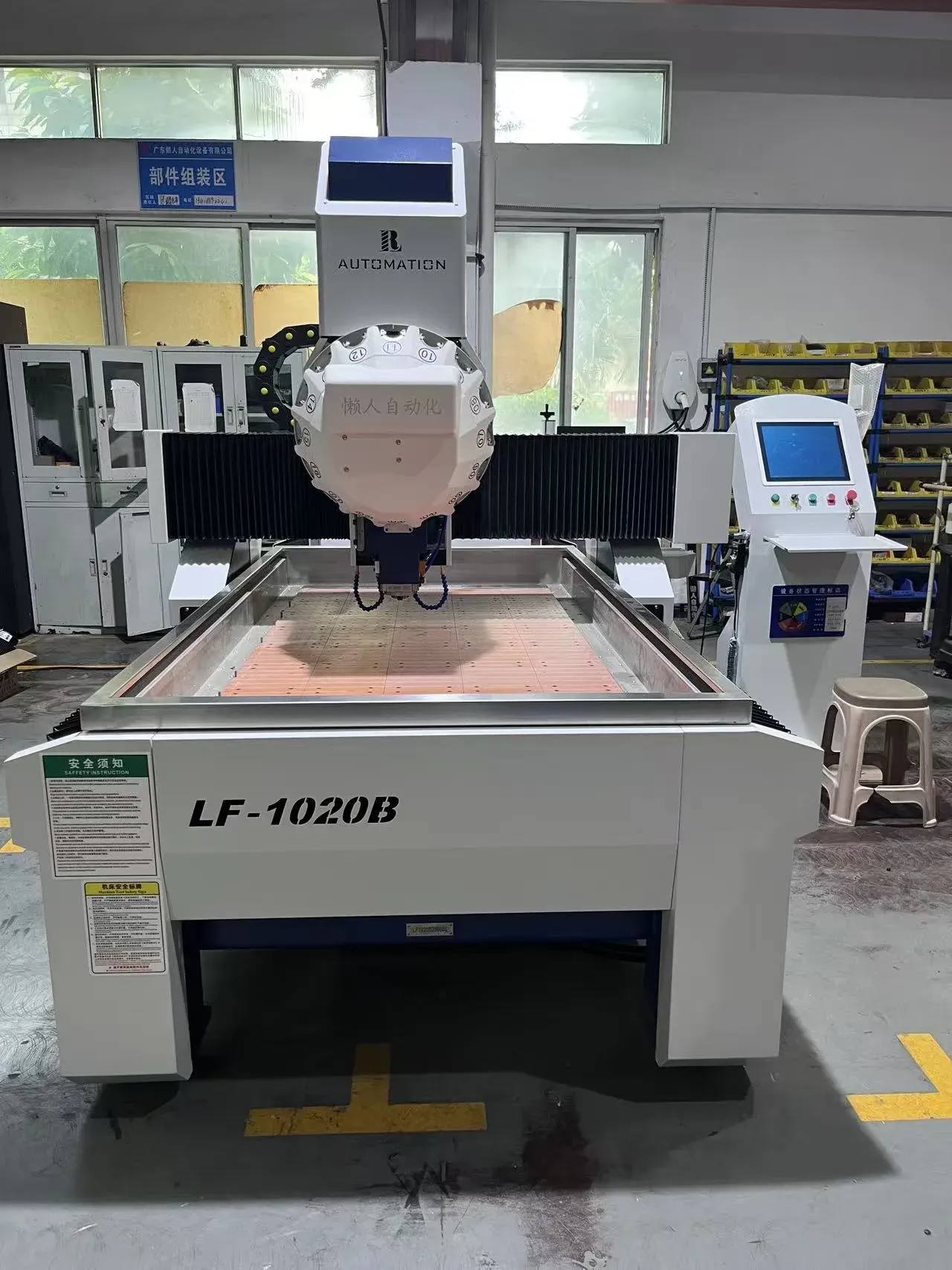
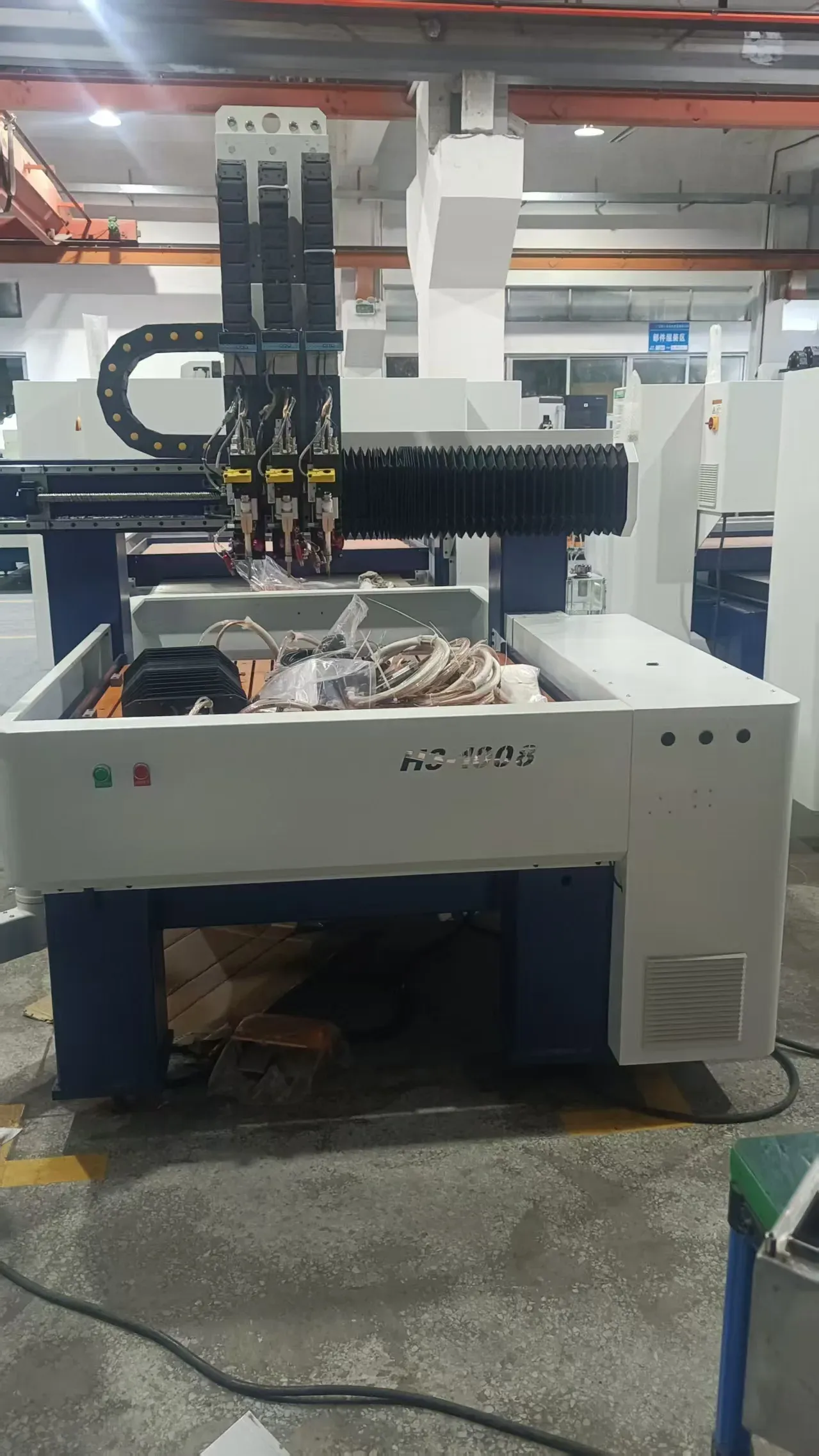
A counterbore and tapping machine is usually bought to fix one of three problems: holes that get missed, depths that drift, or plate surfaces that come back scratched. This guide works through the decisions that actually change the answer — work area, spindle count, control configuration and the drawing-to-machine workflow — using the six models of the LR AUTOMATION T series as the worked example, from the T2-1008 up to the L-2135.
Start with the Panel Size That Decides Everything
Machining range is the first filter, because it decides whether a part fits at all. The T series covers six models — T2-1008, T2-1510, T3-1512, L-1325, L-2030 and L-2135 — with machining ranges from 1000 x 800 mm to 2100 x 3500 mm.
The useful question is not how big the machine is, but how big your largest flat part is — then leave clearance for clamping on top of that. One more number follows the table size: Z-axis travel is 200 to 300 mm depending on model. Footprint and lifting weight change with the model, so check the bay and the lifting route you can really give the machine.
One, Two or Three Spindles? That Is a Throughput Decision
Spindle count sets how many holes one positioning move produces, and the series offers one to three spindles as a configuration choice, with an optional upgrade to an automatic tool change spindle and tool magazine. If one pattern repeats at volume, more spindles in one pass remove passes. If batches change constantly, a single- or two-spindle setup with simple positioning and clamping can be the more economical match.
The standard spindle is the same across the series — maximum speed 3000 rpm, ER25 collets, 1 kW spindle power — so the difference is holes per cycle, not cutting speed. Idle speed is 20 000 to 40 000 mm/min depending on model. Count the holes in your heaviest pattern before you decide.
Layout and Control: What Changes by Model
The series is built with ball screws and linear guides, and controlled axes range from five to eight across the six models. How the machine handles a long plate comes down to its working envelope and control configuration rather than one number, so describe your largest and your most awkward plate when you specify the machine instead of choosing from the table alone.
What the Operator Actually Does
The control imports DXF files and generates the G-code directly, so there is no programming step at the console and the machine is specified to be operated by general workers. Because hole positions come from the imported drawing instead of from an operator marking out and moving between stations, missed holes and wrong holes are addressed by the machine; the manufacturer describes this as CNC fool-proofing. Offline G-code is supported as well as DXF import, which matters if drawings are prepared away from the machine and released to the shop floor as files.
What the Machine Replaces on the Bench
For sheet metal work the machine replaces hand counterboring and tapping, and that is where the consistency case is strongest: depth and position repeat from part to part, plate scratching is reduced because the plate is no longer carried between separate operations, and precision is described as high with product quality held constant — which is the practical reason shops move this work off the bench.
Weight, Power and Services
Two checks sit outside the specification table. The first is weight: the series runs from about 1300 kg to 5000 kg depending on model, which decides how you lift, place and level it. The second is electrical supply: power supply capacity ranges from 6 to 13 kW by model. Confirm the lifting route and the incoming supply before you order — both change with the model.
What to Send for a Configuration Recommendation
Send your material, thickness and hole pattern, together with the largest panel you need to run and whether counterboring or tapping is your bottleneck, and our team will recommend the machine and configuration that fits that work.